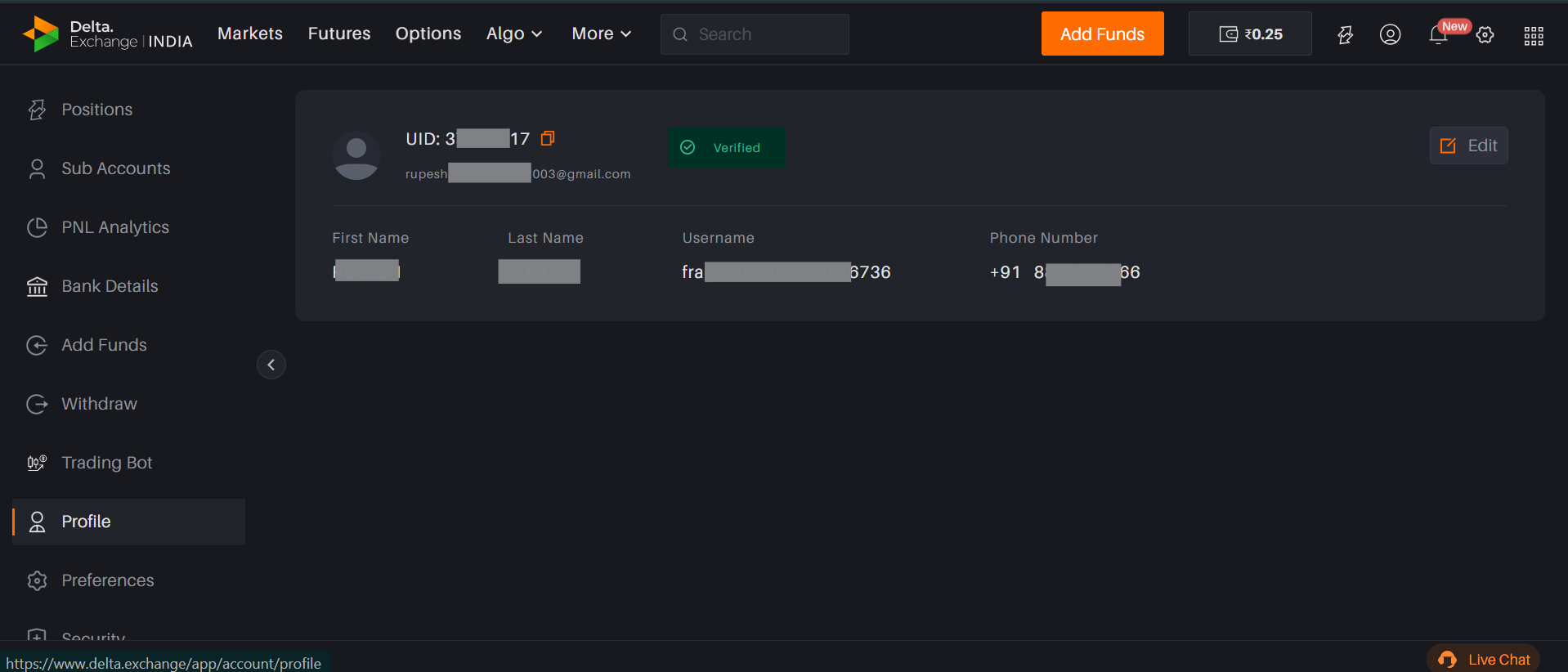
To check your registered email ID and UID:
Log in to your Delta Exchange account via app or website.
Go to the Profile section.
Your registered email ID and user ID (UID) will be visible at the top of the screen.
To check your registered email ID and UID:
Log in to your Delta Exchange account via app or website.
Go to the Profile section.
Your registered email ID and user ID (UID) will be visible at the top of the screen.
Feel free to reach out to us if you face any issue - our team is available 24*7
Get help by raising a support ticket, our team will respond within 12 hours