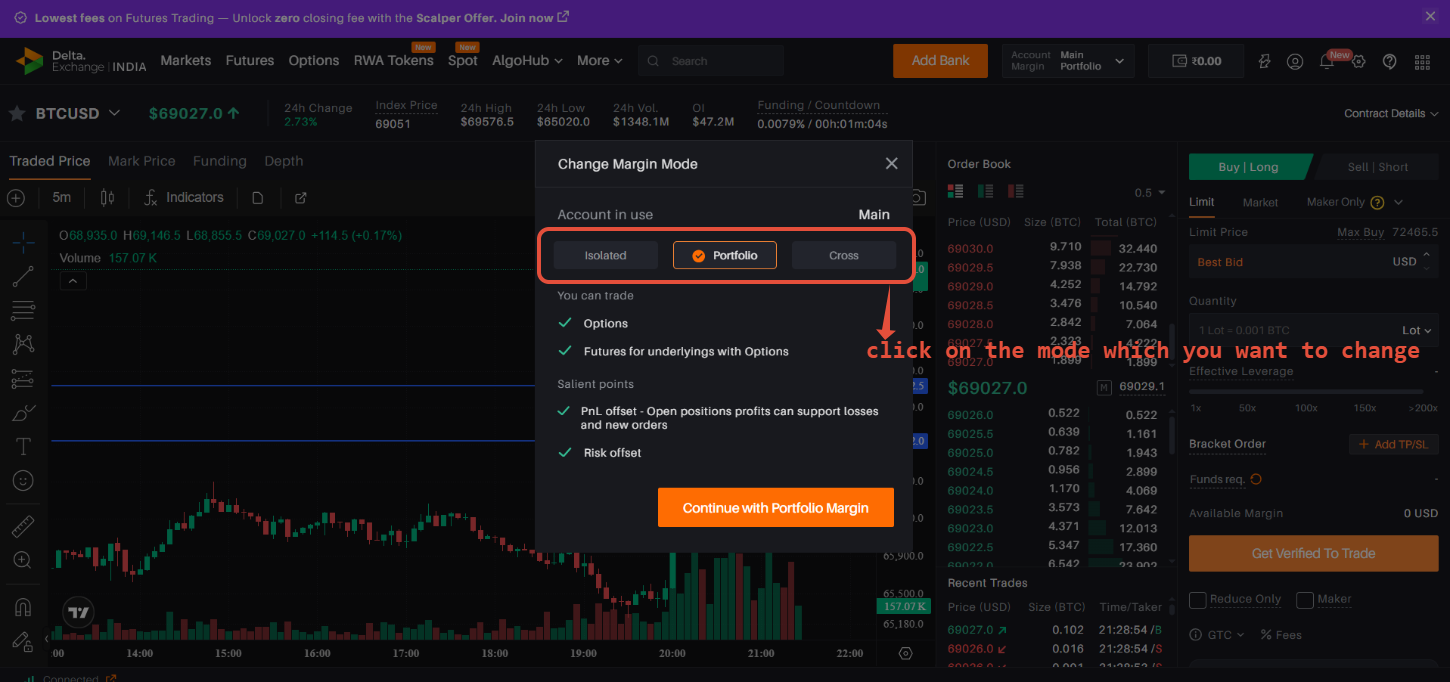
Step 1: Locate and click on the main portfolio tab available on the extreme right of your Delta Exchange India account, as shown in the attached screenshot.

Step 2: A new pop-up box will appear. Within this pop-up box, locate and click on the option labeled “Change Margin Mode”.

Step 3: After clicking on the "Change Margin Mode" option, a pop-up window will appear. In this window, you can choose either Isolated Margin or Cross Margin, depending on your preference. Simply select the margin mode you wish to use and click the confirmation button to apply the changes.